
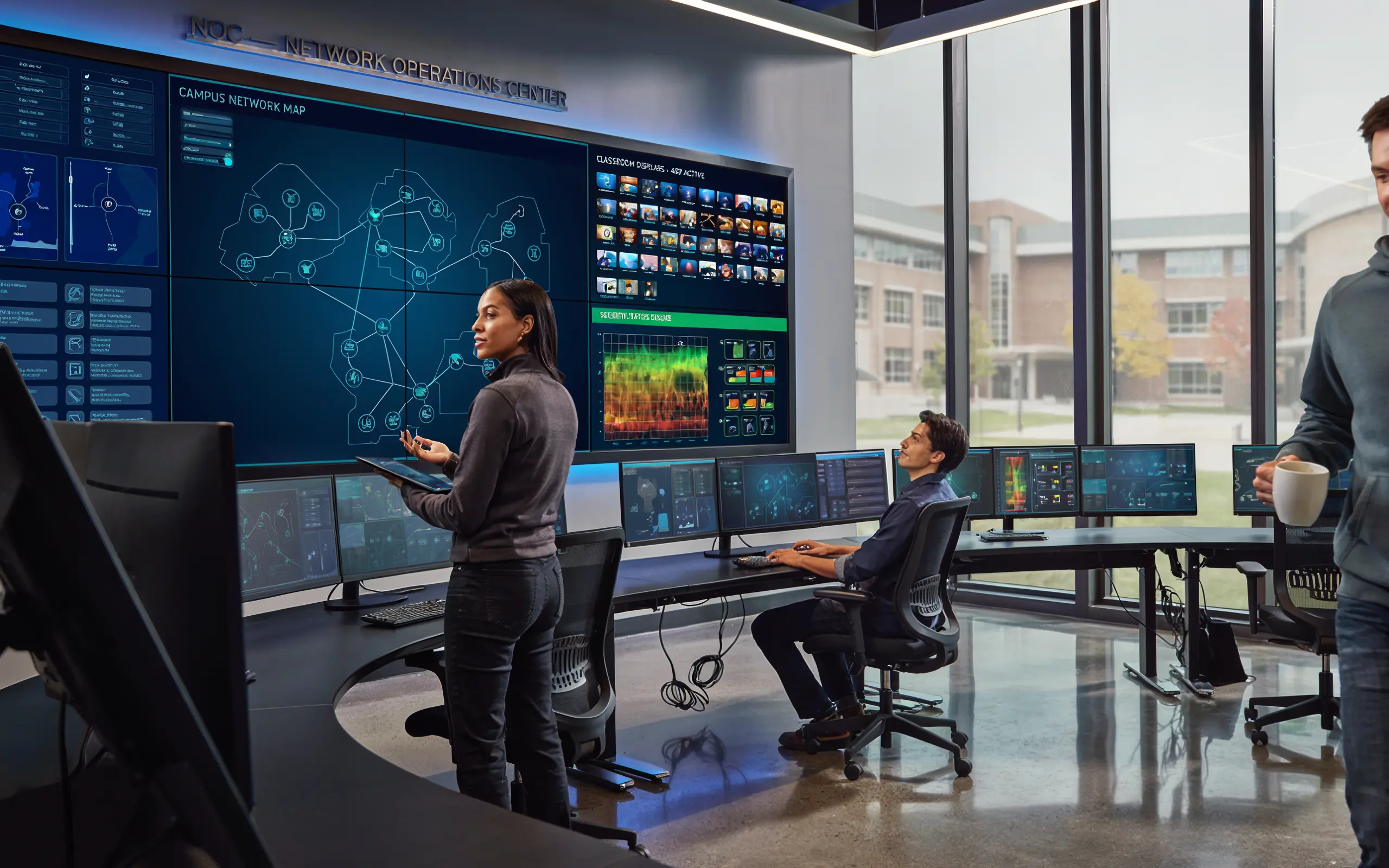
When a school buys classroom technology, one question often gets less attention than it deserves: who keeps it running after installation day? A display works beautifully in week one. The question is what happens when it needs a software update, a security patch, or troubleshooting in the middle of a school year, and whether that work lands on your already-stretched staff.
This is where managed support and a Network Operations Center come in. For independent schools in particular, it is often the difference between technology that quietly works and technology that becomes a recurring headache.
The reality of school IT teams
Most independent schools run lean. It is common for one or two people to cover an entire campus, from the front-office computers to the wireless network to the classroom displays. That team is capable, but it is stretched. Asking them to also manage firmware updates, security patches, and remote diagnostics across dozens of displays is a real burden, and it competes with everything else on their plate.
The result is often technology that falls behind on updates, or small issues that linger because no one has time to fix them. Neither is the fault of the IT staff. It is a capacity problem.
What is a Network Operations Center (NOC)?
A Network Operations Center, or NOC, is a specialized team that remotely monitors and manages networked technology on behalf of an organization. For a school, a NOC handles the ongoing technical work of keeping classroom displays and systems patched, secure, and running, without that work landing on local staff.
Think of it as an off-site engineering team dedicated to your classroom technology, working in the background so your on-site people can focus on the school.
What managed support actually covers
Good managed support for classroom technology typically includes:
- Software and firmware updates, applied remotely so displays stay current.
- Security patching, closing vulnerabilities as they emerge.
- Remote troubleshooting, resolving issues without dispatching anyone on site.
- Off-hours maintenance, scheduled outside school hours so there is no classroom disruption.
That last point matters more than it sounds. When updates and maintenance run overnight rather than during the school day, teachers walk into working classrooms every morning and never lose instructional time to a system that is “updating.”
FERPA, COPPA, and student data
Any technology on a school network raises a fair question: what happens to student data? Two federal laws set the standard in the United States. FERPA, the Family Educational Rights and Privacy Act, protects the privacy of student education records. COPPA, the Children’s Online Privacy Protection Act, governs the collection of personal information from children under 13.
A properly designed support model complies with both, and a well-run NOC does not monitor, collect, cache, transmit, or harvest student data, personal identity metrics, or educational records. Its job is to keep equipment healthy, not to see into classrooms.
Security should be built the same way. Remote support should use outbound-only encrypted connections, meaning data flows out from the school over encryption such as TLS 1.3, and the provider never requires inbound open ports in your firewall. That keeps the school’s network closed to outside access while still allowing maintenance to happen.
Questions to ask any provider
Before choosing a provider, confirm the essentials:
- Do you handle updates, patching, and troubleshooting remotely, and outside school hours?
- Are you FERPA and COPPA compliant, and can you state in writing that you do not collect student data?
- Does your support require any open inbound ports on our firewall? (The answer should be no.)
- What is your response process when something goes wrong mid-year?
Clear answers to these tell you whether support was designed for schools or bolted on afterward.
Key takeaways
- School IT teams are lean; ongoing classroom-tech maintenance is a real burden on them.
- A NOC is an off-site team that keeps your technology patched, secure, and running.
- Good support runs remotely and off-hours, so classrooms are never disrupted.
- Insist on FERPA and COPPA compliance, no student-data collection, and outbound-only, no-open-port security.
The best classroom technology is the kind your staff never has to think about. Managed support is how you get there.
Frequently Asked Questions
What is a Network Operations Center (NOC) for schools?
A NOC is a specialized off-site team that remotely monitors and manages a school’s networked technology, keeping classroom displays and systems patched, secure, and running. It handles the ongoing technical work so local school IT staff don’t have to.
Is classroom technology support FERPA and COPPA compliant?
It should be. A properly designed support model complies with both FERPA and COPPA, and a well-run NOC does not monitor, collect, or transmit student data or educational records. Always ask a provider to confirm this in writing.
Will managed IT support disrupt the school day?
No, when it’s done correctly. Updates, patching, and maintenance are scheduled outside school hours, so classrooms are working every morning and no instructional time is lost to systems updating during lessons.
Does remote support require opening ports in our firewall?
It should not. Secure classroom-technology support uses outbound-only encrypted connections, so data flows out from the school and the provider never requires inbound open ports, keeping the school’s network closed to outside access.
Why can’t our own IT team just handle classroom technology?
They can, but most school IT teams are small and already stretched across the whole campus. Adding firmware updates, security patches, and troubleshooting for dozens of displays is a capacity burden, which is why many schools use managed support to keep the technology current without overloading staff.